
Two new ways to use your voice sit next to the send button in every session, available now to advisors at every firm.
Dictate
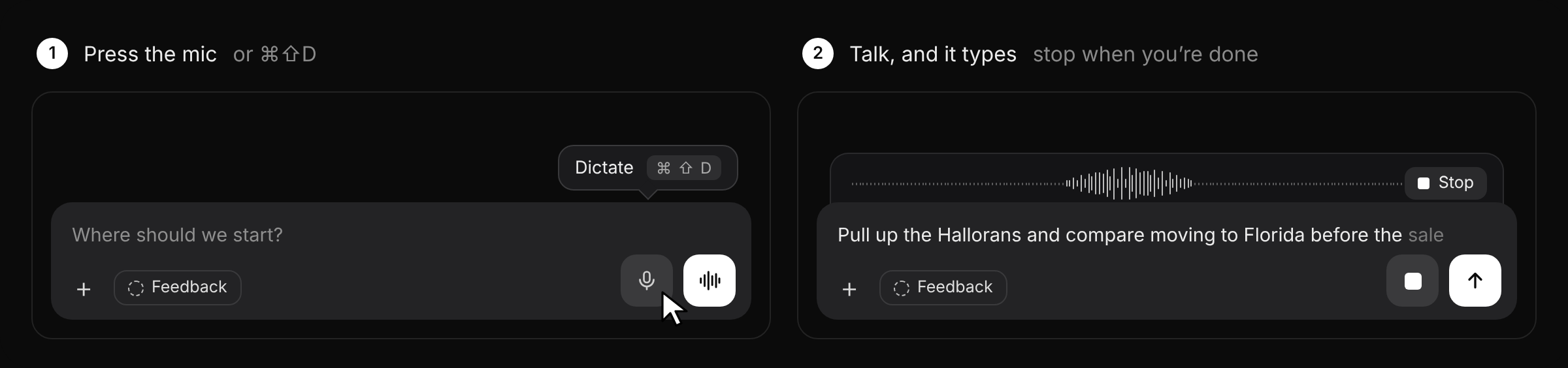
Press the microphone, or ⌘⇧D, and talk. Your words appear in the message box as you speak, with a level meter and a Stop button above it. Edit if you like, then send.
Talk to Helmsted
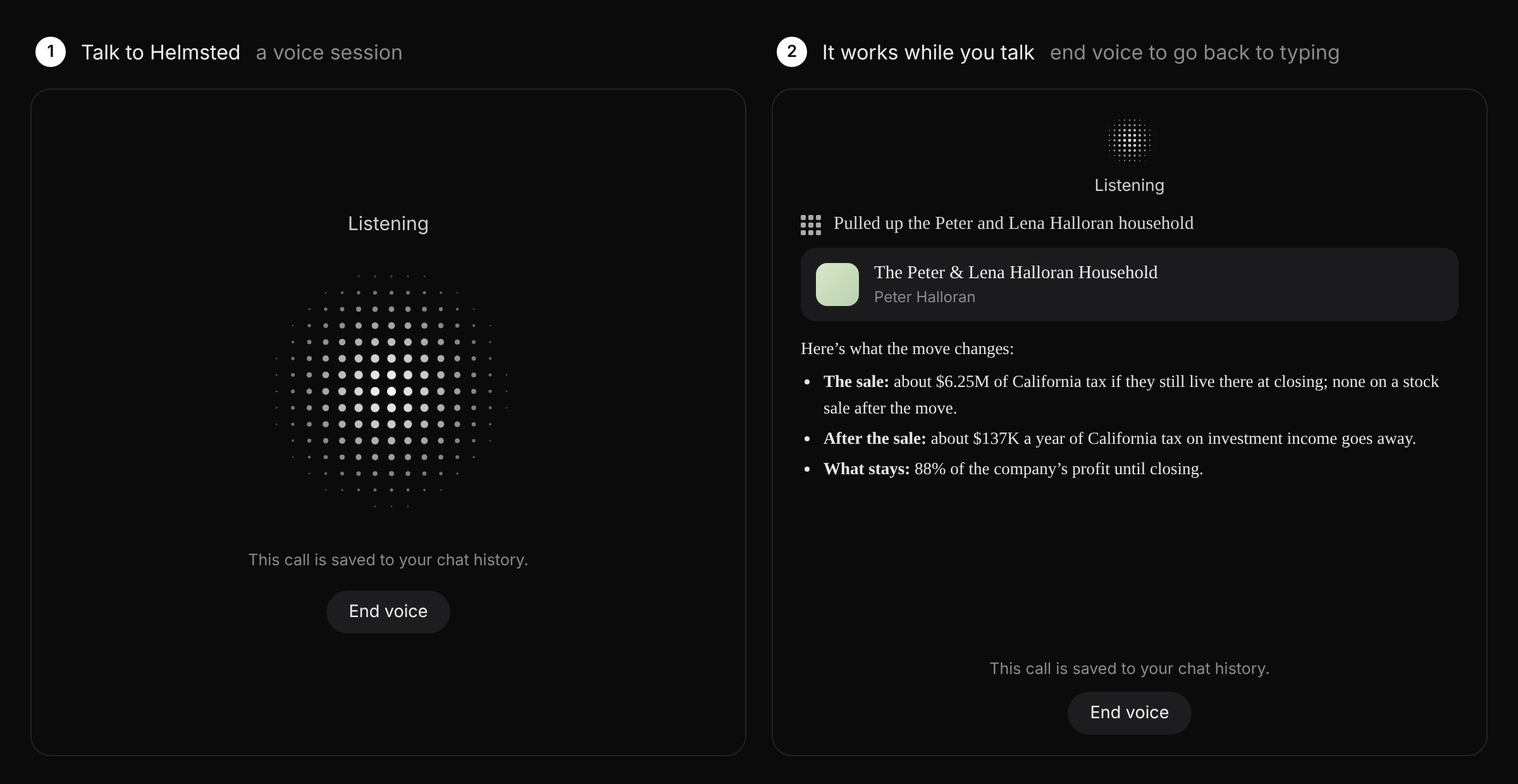
Press the voice button to start a voice session. Ask out loud and Helmsted works as it always does: it pulls up households, reads documents and builds materials while you talk. Press End voice to go back to typing. The call is saved to your chat history.
See it in a full working session in At the Helm No. 15.
The households shown are fictional.